 The Middleware
Developers who build with AI
You already ask Claude Code, Codex or OpenCode for features. Here each project gets an agent that lives next to it on the server, can run it, test it and restart it, and cannot touch anything else.
Open source · MIT · One binary for Linux
The Middleware turns one Linux machine into a place where websites and apps get built, run and published. Each site has its own AI coding agent that works inside its folder. When the site is ready, one button gives it a public name, a certificate and a deploy that drops no request.
curl -fsSL https://raw.githubusercontent.com/dcimorra/the-middleware/main/scripts/install.sh | sh
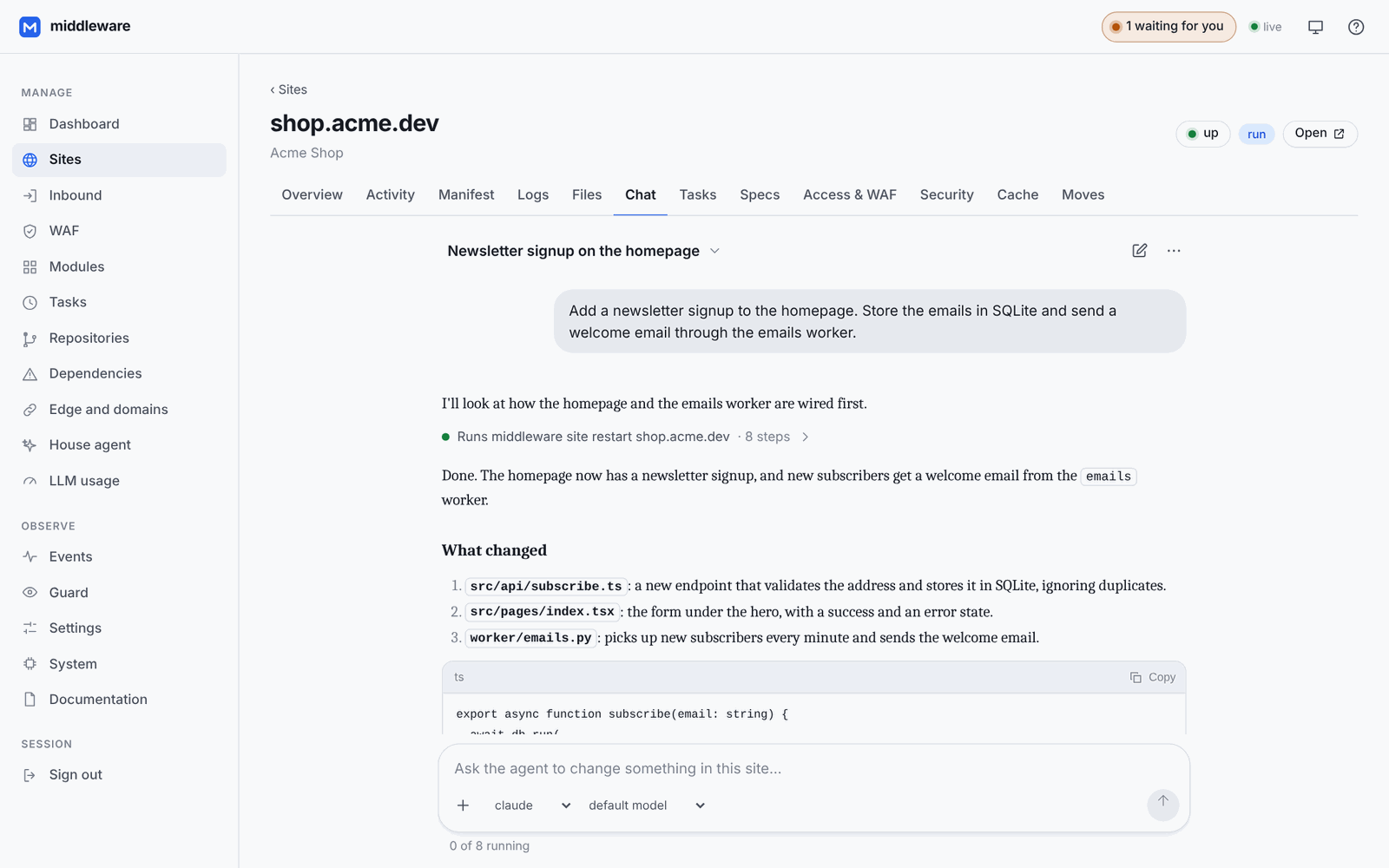
You already ask Claude Code, Codex or OpenCode for features. Here each project gets an agent that lives next to it on the server, can run it, test it and restart it, and cannot touch anything else.
Dozens of client sites over a few machines at different providers, each with its own domain, logs, tasks and conversation, in one panel. Hardware you control, no per-site bill.
The “push and it is live” workflow of a hosting platform without renting one: deploy from GitHub or from a conversation, roll back by writing a file, watch it all from your phone.
A repo, CI, a proxy, DNS, certificates and a dashboard per service is too much machinery for most projects. Here they are one panel.
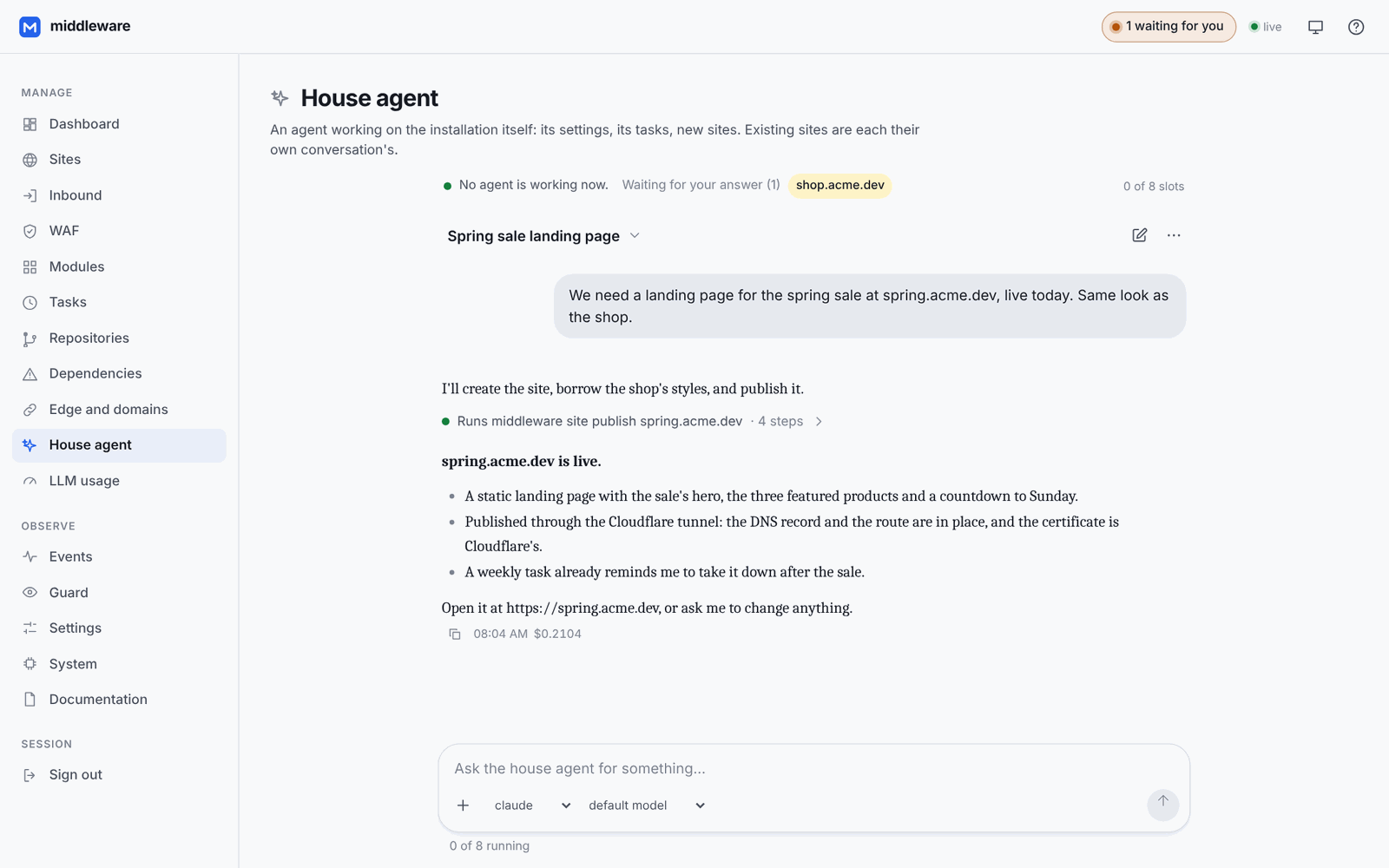
Build by talking
The agent works in the site's folder, reads its logs, runs its commands and restarts it. Other sites, the machine's secrets and the house's configuration are out of its reach, and every step it takes is on record.
Spec-driven development
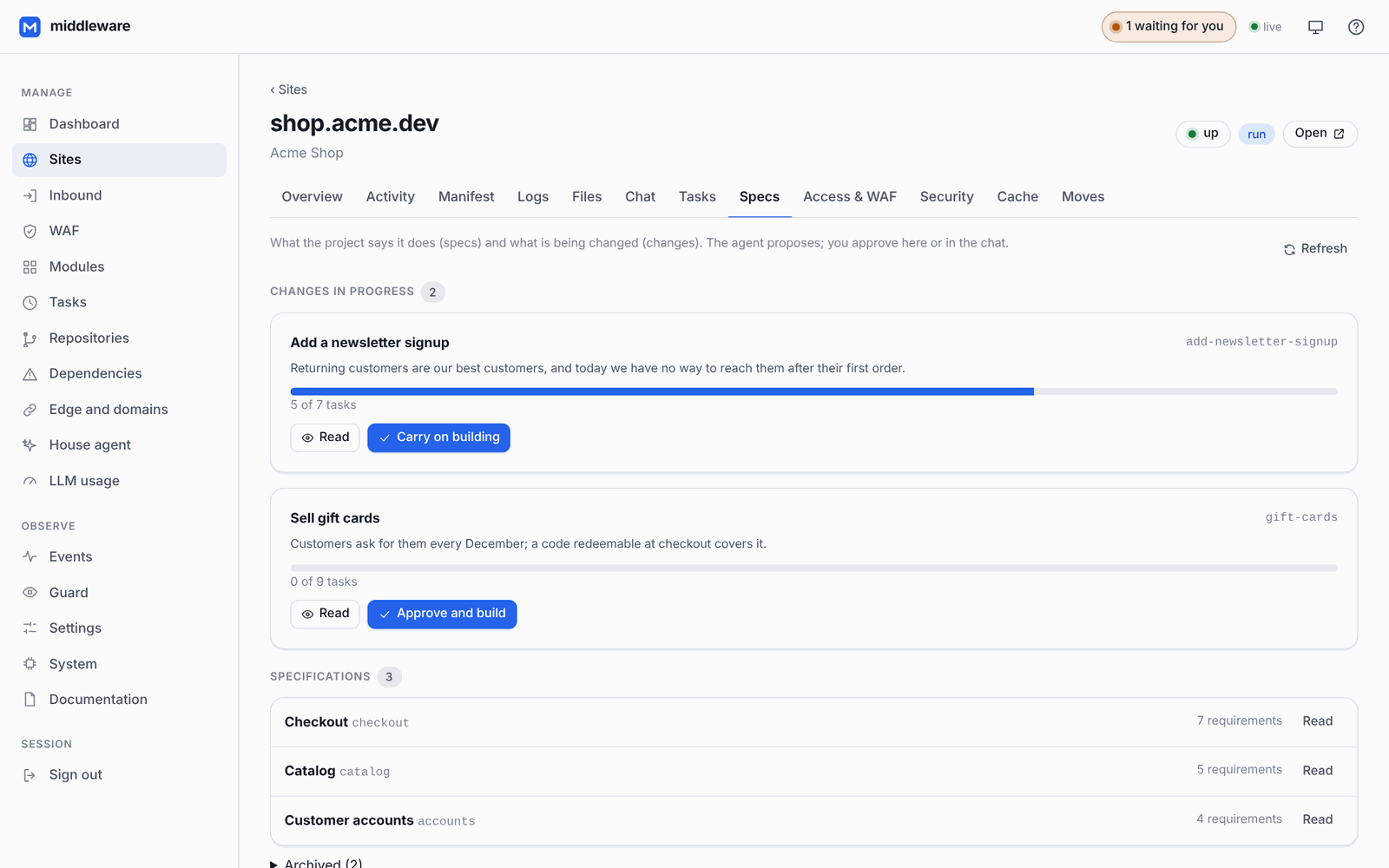
Turn on the OpenSpec module and every change starts as a proposal you read in the site's Specs tab. Approve it, follow its tasks as they are built, and once it ships it becomes the project's specs. New sites start with OpenSpec set up.
From idea to production
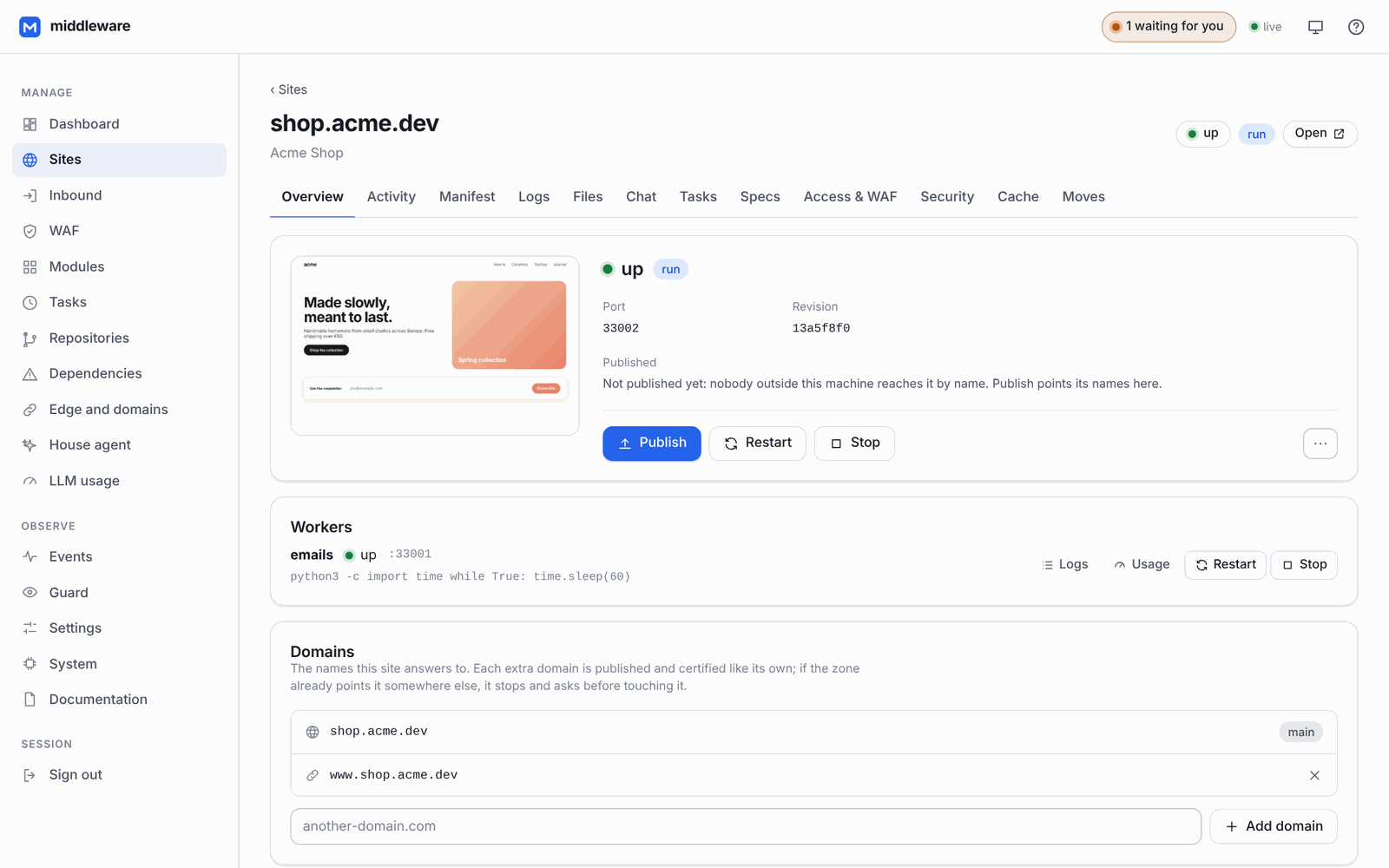
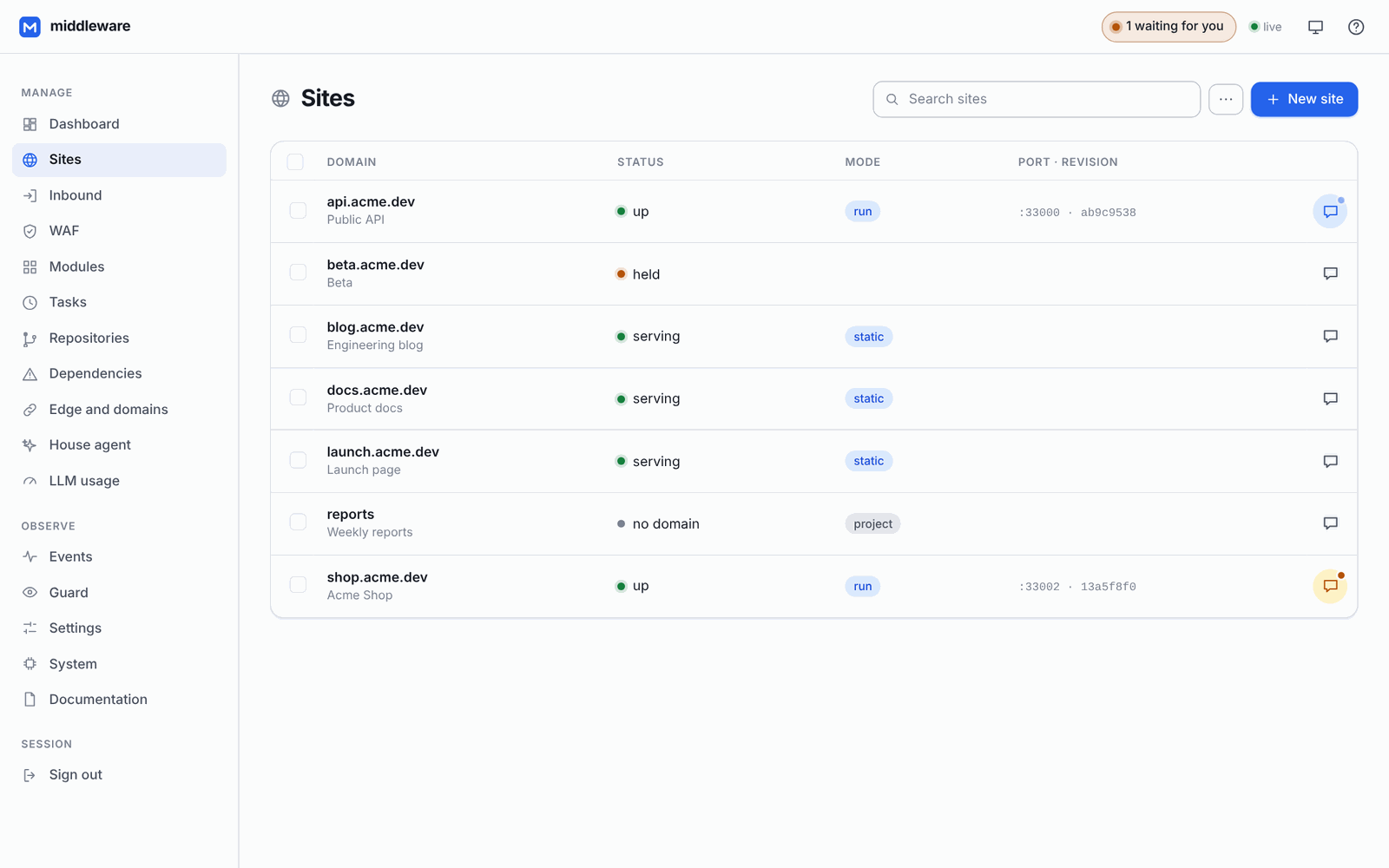
Run everything a site needs
site.json is all the state it has.Static folders, any process, Docker containers or an upstream you run elsewhere, all described by one manifest.
A queue consumer, an internal API, a PostgreSQL in a container with its own volume, next to the site.
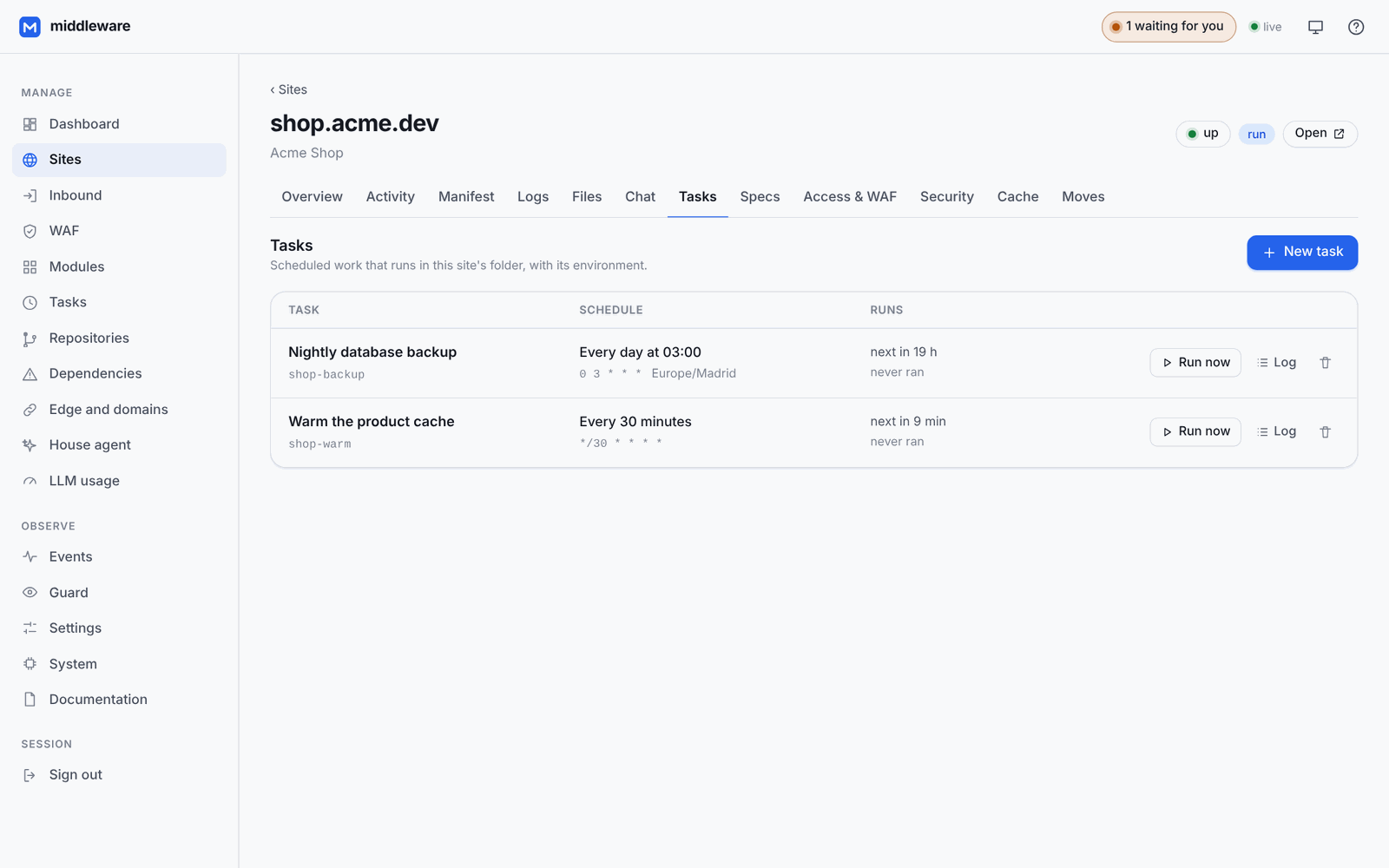
Backups, reports, cache warm-ups, run in the site's folder with its environment. Each site manages its own.
Logs, traffic, CPU and memory per site and per worker, a response cache, a file browser and a manifest editor.
A site's own code can ask an AI through the house, with the models, tools, budget and limits you set.
Restarting or upgrading The Middleware leaves them running; they are adopted again when it comes back.
A network of your own machines
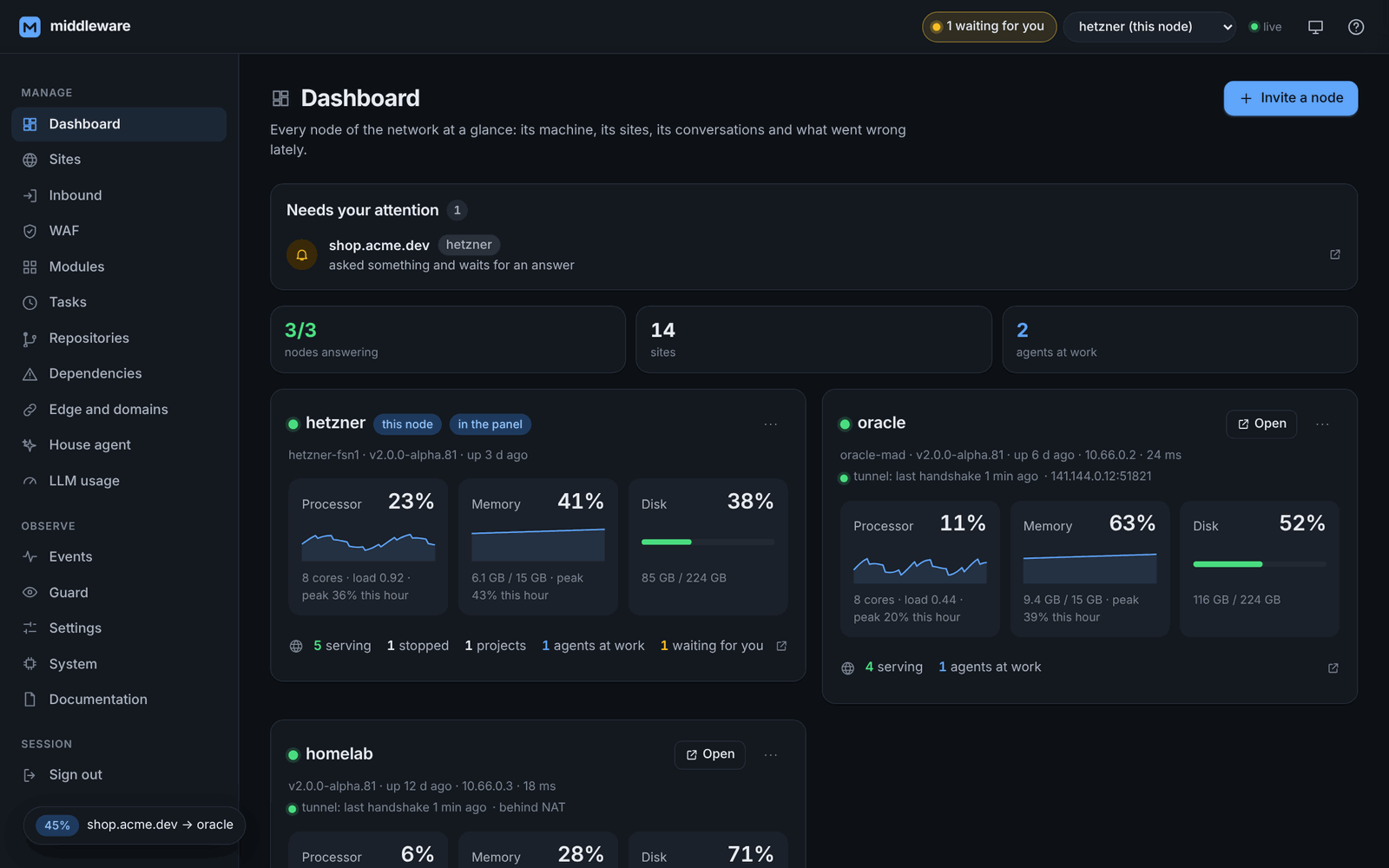
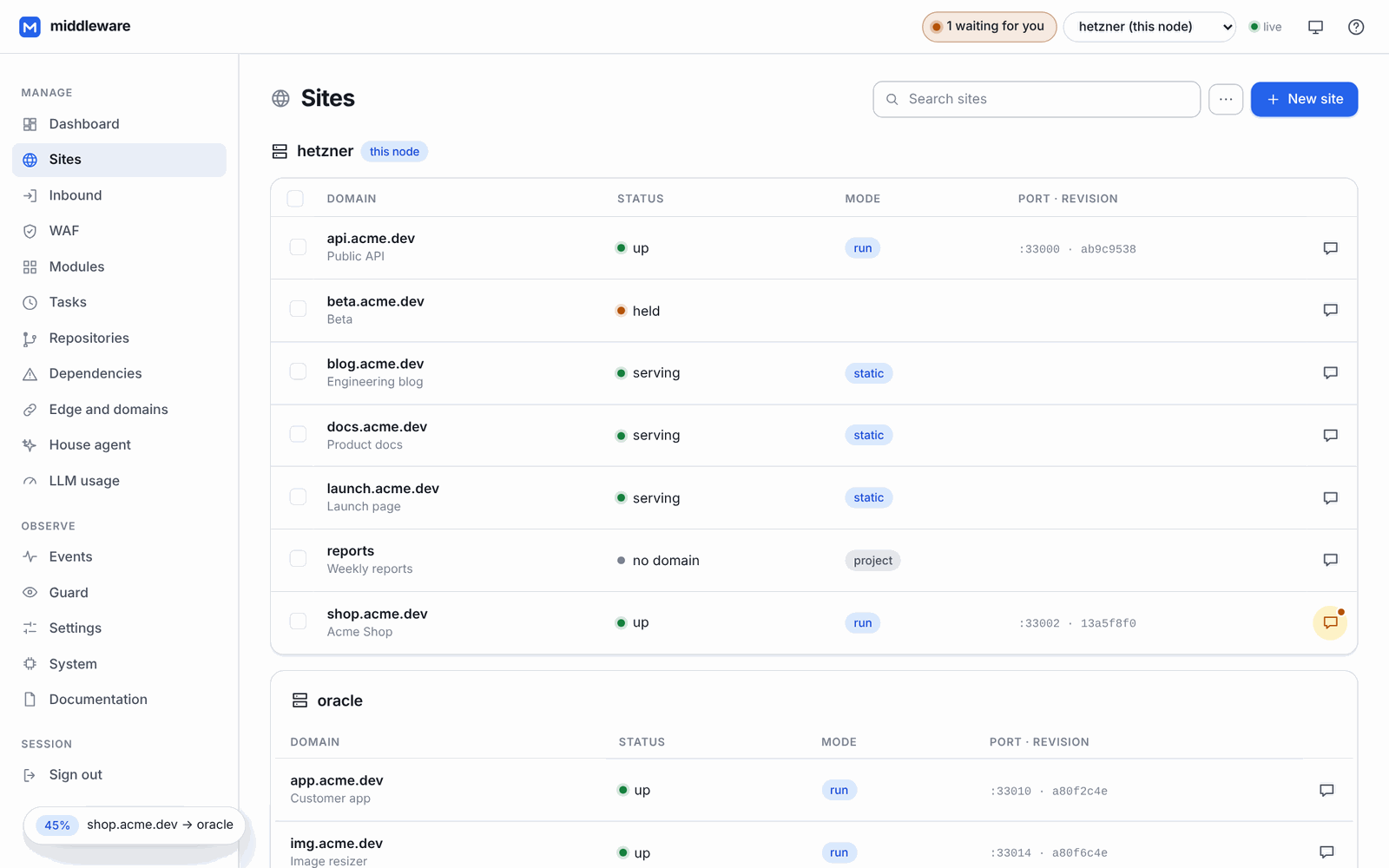
Machines link into a federated network. Each one is a full Middleware that keeps serving on its own; together they are managed as one.
Make an invitation in the panel, run middleware setup --join <code> on the new machine, and it is in.
An encrypted WireGuard mesh where every node is a peer. If one goes down the rest carry on; a node behind NAT works by calling out.
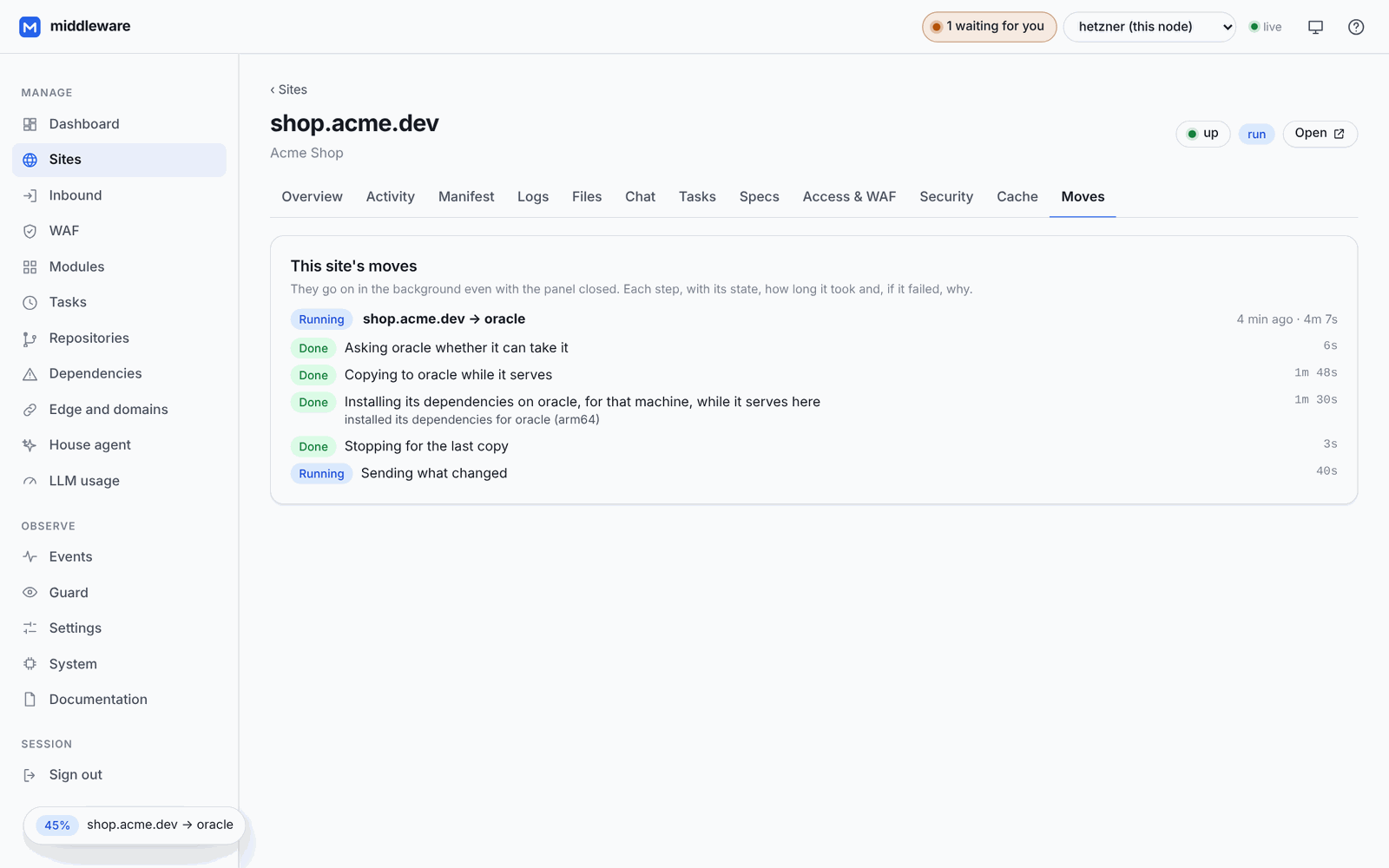
Copied while it serves, installed for the target (even x86 to ARM), seconds of stop, databases brought along, names repointed. Undone if anything fails.
A device on any node's VPN reaches every node. One switch closes every panel to the internet.
An expelled node stays out: it cannot vote itself back, take another node's address or rewrite the others' entries.
Pick a node in the top bar and every screen, conversation, build and agent works on that machine.
Security that does not get in the way
Rate limits, automatic bans in the kernel, body and country limits, and an “under attack” switch that challenges every visitor.
A site that reaches into another site's folder is switched off, with the incident on record.
Passwords, allow lists and per-route rules, a field each.
Passkeys, its own WireGuard VPN, push notifications, and it works from your phone.
The supervisor runs unprivileged. Anything that needs root goes through a helper with a closed list of operations.
Credentials are encrypted at rest, and an update rolls itself back if the new version does not come up.
Everywhere you are
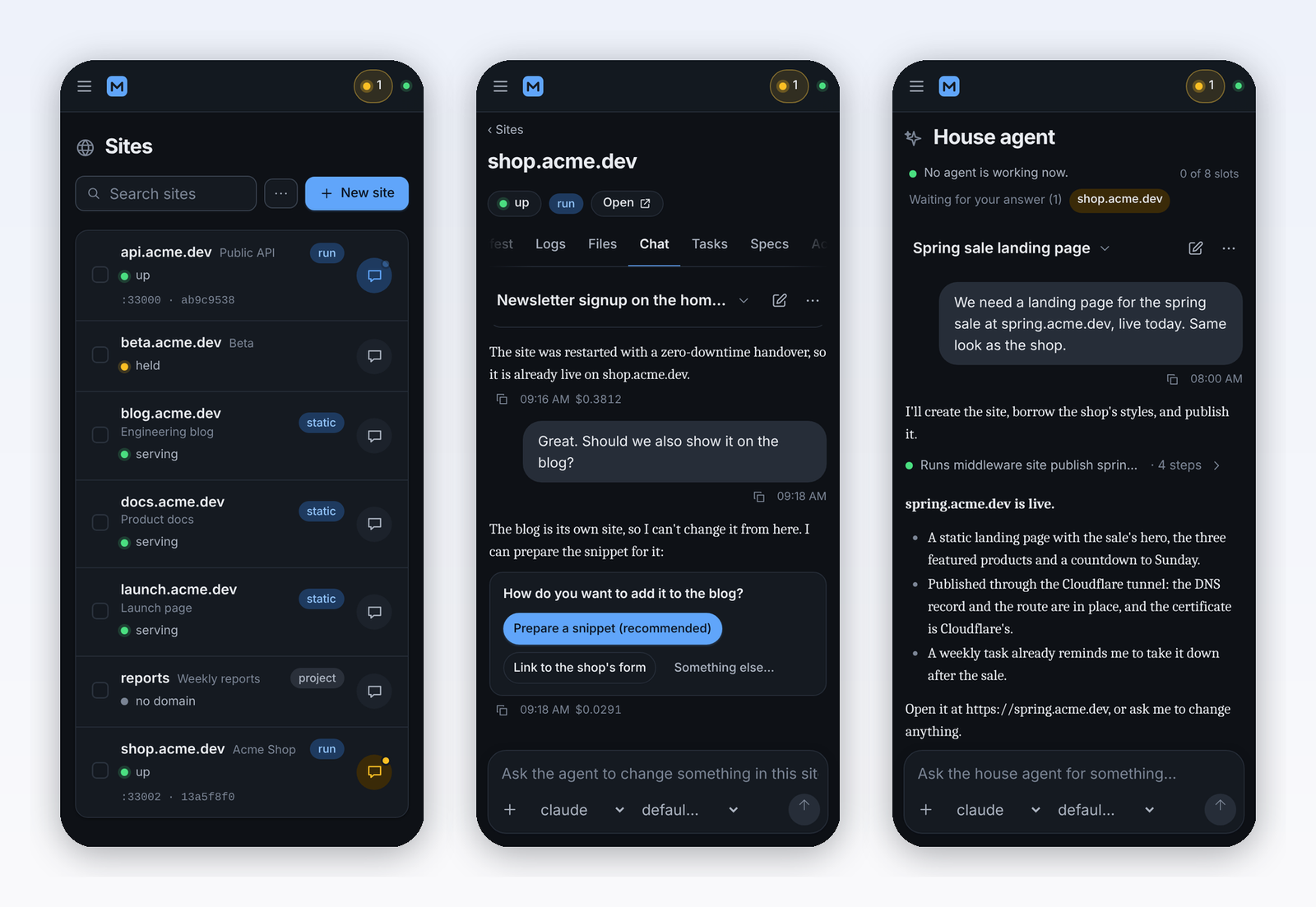
The panel installs on your phone: dark mode, push notifications when an agent finishes its turn or someone tries to break in, in English and Spanish. Everything it does is also a versioned JSON API, a live event stream and a CLI.
Get started
curl -fsSL https://raw.githubusercontent.com/dcimorra/the-middleware/main/scripts/install.sh | sh
Prefer the terminal? Every step is a CLI command too:
middleware site add example.com --template static,
middleware chat example.com "…",
middleware site publish example.com.